

CS 1.6 Classic
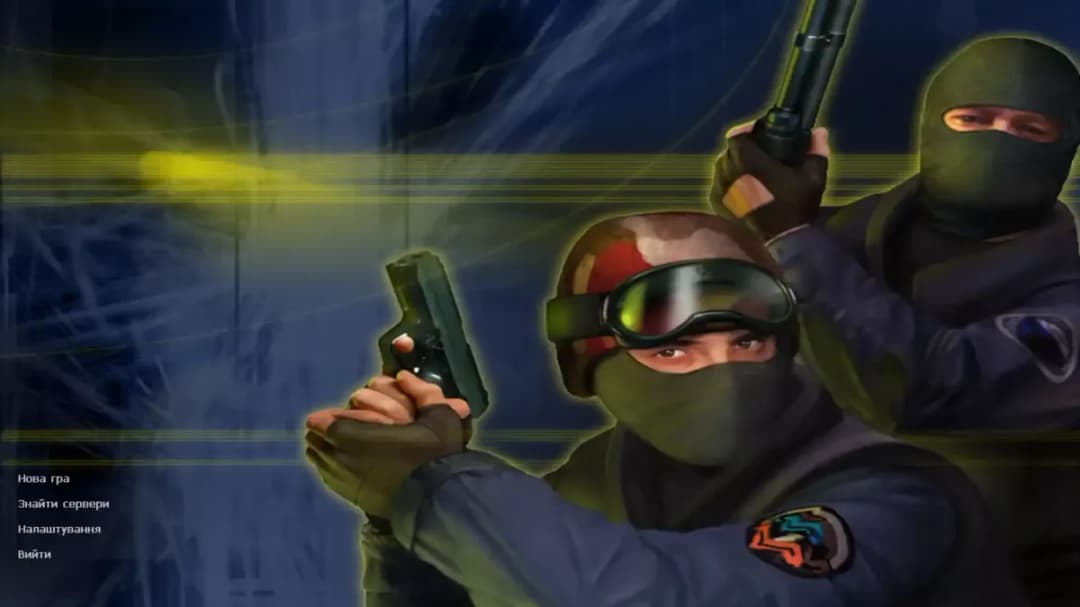
Familiar maps, classic weapons and the Counter-Strike interface you remember.
COUNTER-STRIKE 1.6
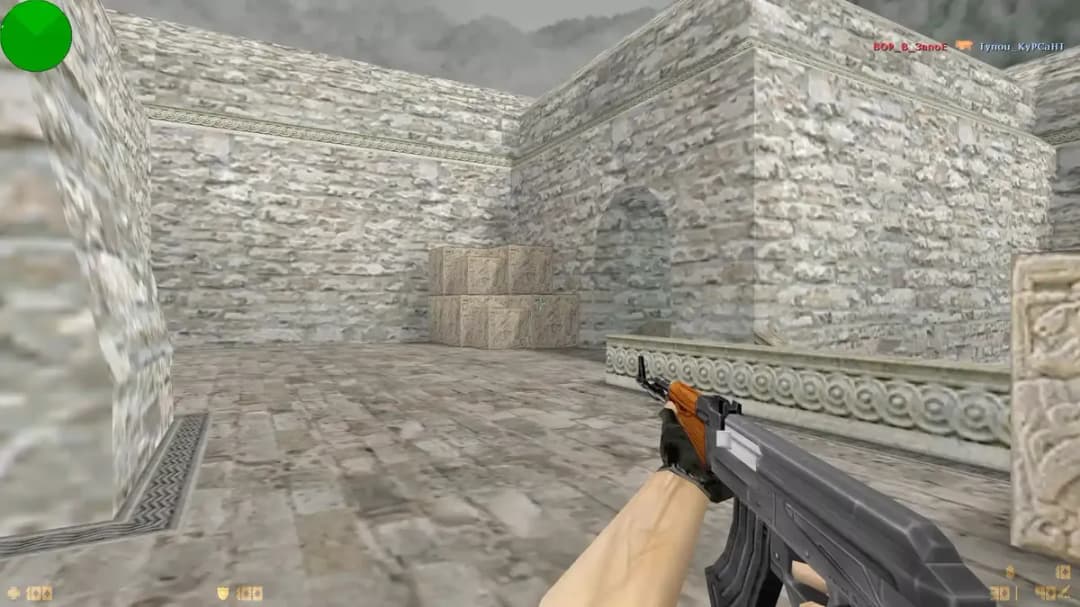
Counter-Strike 1.6 turns short team rounds into a test of aim, timing and communication. On bomb maps such as Dust2 and Inferno, teams fight to plant or defuse the bomb; hostage maps set a different objective. Choosing when to save money, cover a teammate or hold an angle matters as much as landing a shot.
COUNTER-STRIKE 1.6
One classic. Different ways to play. Compare the setup before you choose.
Familiar maps, classic weapons and the Counter-Strike interface you remember.
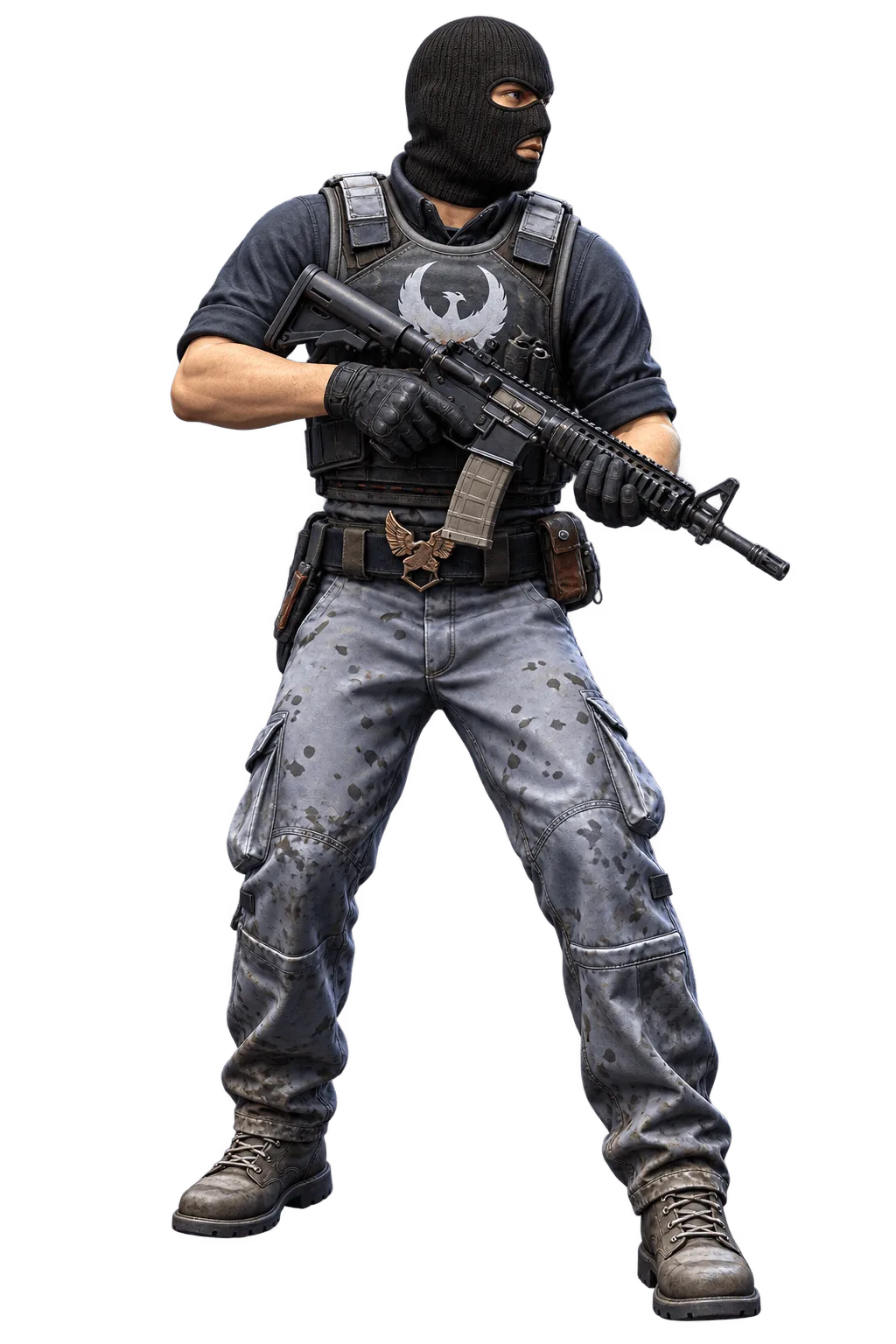
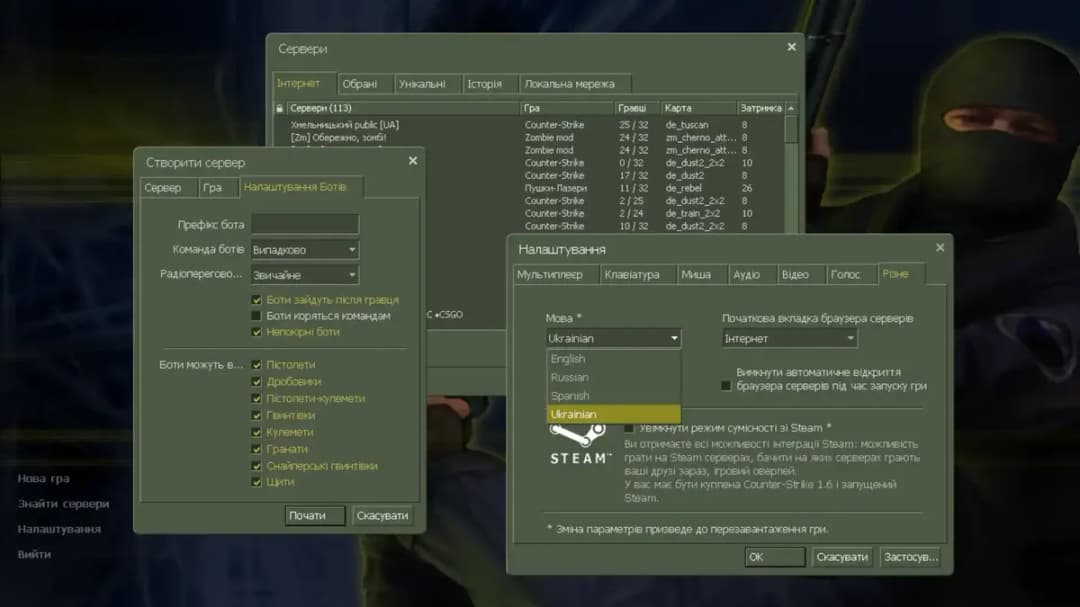
Offline practice, bot commands and difficulty settings for your next match.
Official Counter-Strike in your Steam library, with account-based installation and access.
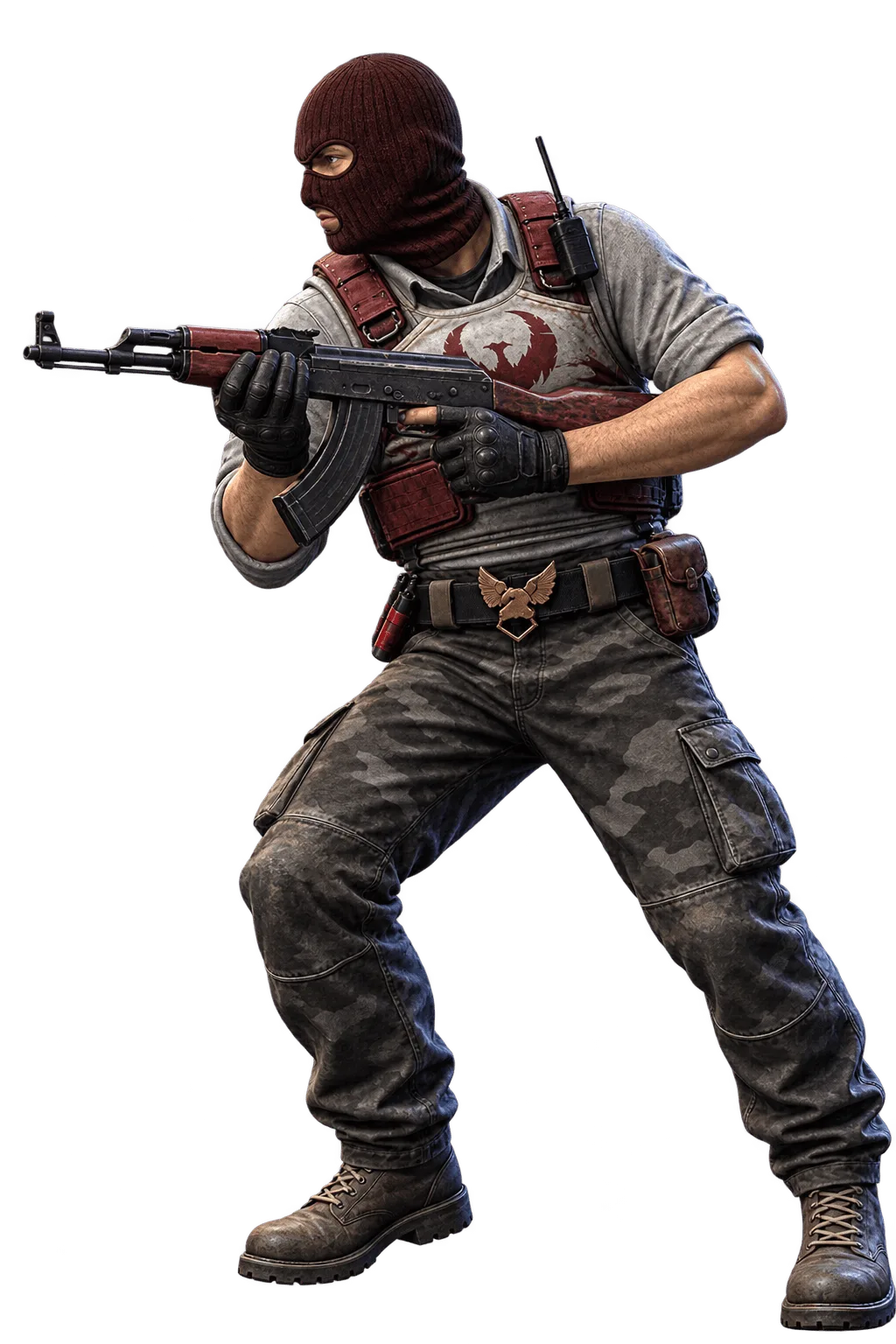
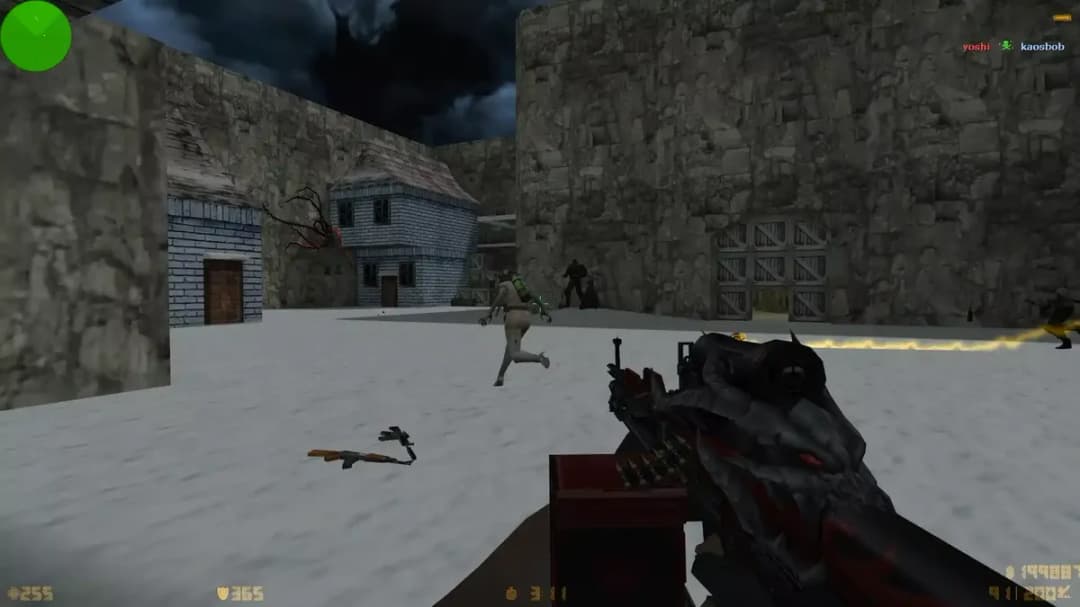
Weapon and player models to give the classic game your own look.
Folder-based packages explained, from arranging game files to launching the client.
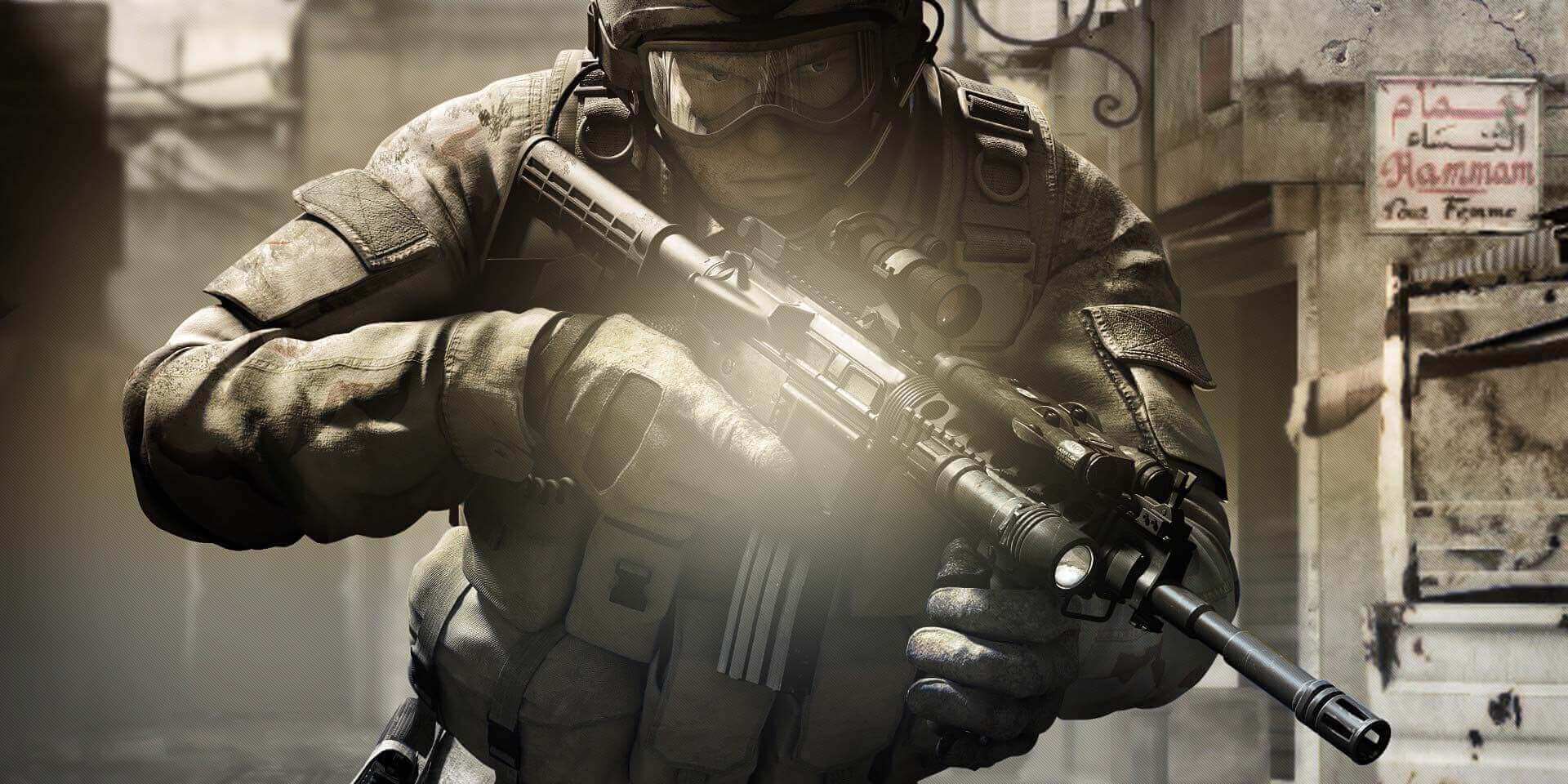
Explore the WarZone edition, its presentation and available release information.
Visual modifications and the different packages released under the XTCS name.
Gold Edition appearance and the differences behind this familiar edition name.
Minecraft-inspired block style brought into the world of classic CS 1.6.
CS:GO-inspired weapon models and interface styling for the classic CS 1.6 client.
Source-inspired visuals with the familiar foundation of the classic CS 1.6 client.
Language options for game menus, interface text and on-screen messages.
Begin with Classic or Steam when your priority is recognisable CS 1.6. Themed editions can change appearance without changing the underlying game. Historical releases belong in their own folders, while Source, Condition Zero and CS2 are distinct products. Read the edition notes before downloading; a familiar name alone cannot establish the contents of a third-party package.
Choose a package with a clearly identified source and read its requirements before opening it. Save your existing configuration and personal maps elsewhere. Install a modified edition in a separate folder, then launch it once and adjust video, sound and controls. If a reference checksum is provided, compare it with the downloaded file; a matching hash confirms identity, not safety.
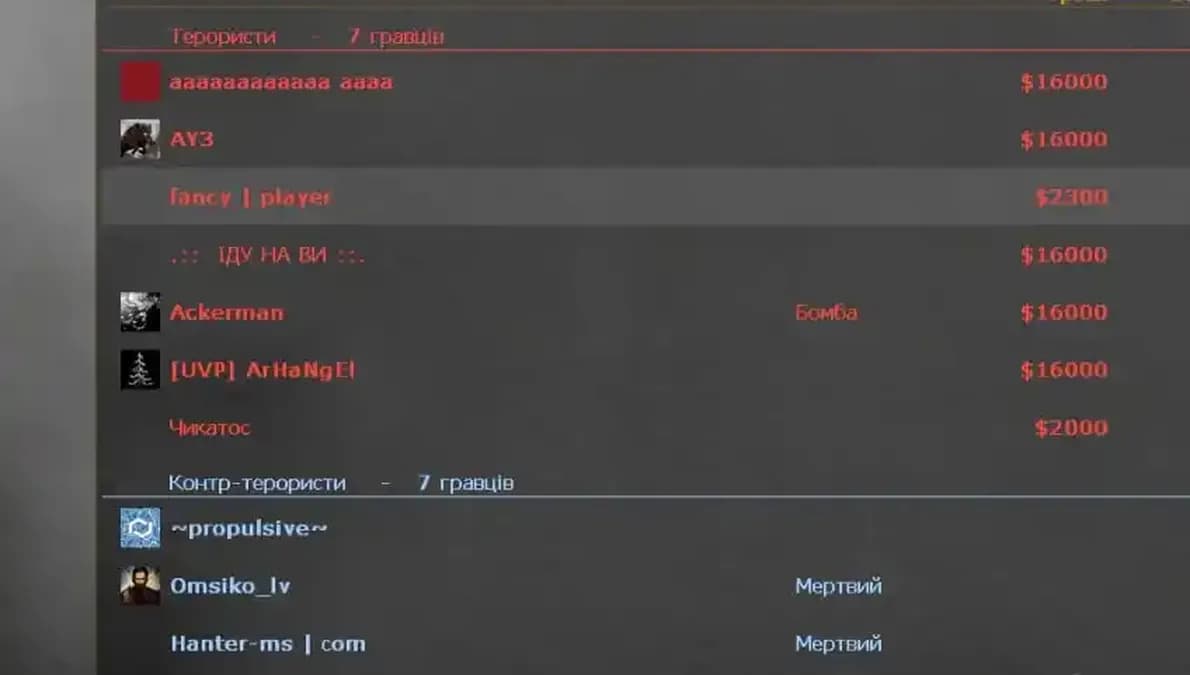
For online play, open the installed client and use its server browser or a server address supplied by a trusted community. A browser service runs through a different provider and does not replace that installation. For offline practice, check whether your chosen package includes bots. YaPB and PODbot have different files and controls, so use instructions for the installed system.
Reference: counter-strike-1-6.net
c67029fd5ab223d32cd6dd15dffd7be4ce0e505dab4f3ff0777f744a84a7c6f1Calculate the file checksum on your device and compare it with the publisher's value. A match confirms file identity, not safety.
Check your downloadAn installer and a torrent describe how files reach your computer; they do not automatically mean different gameplay. Steam is a separate distribution route with its own account and installation process. Check the stated source and package contents before treating two download links as equivalent.
A Windows EXE is not an Android application. Android ports use a separate installation process and may need compatible game data; read the specific port requirements.
The language switch changes this website. Its forty languages do not represent forty separate game packages; check the language of menus, messages and voice files in each archive.
Start by comparing Classic and the Steam version. Review the source, available features and server requirements, then choose the route that matches how you intend to play.